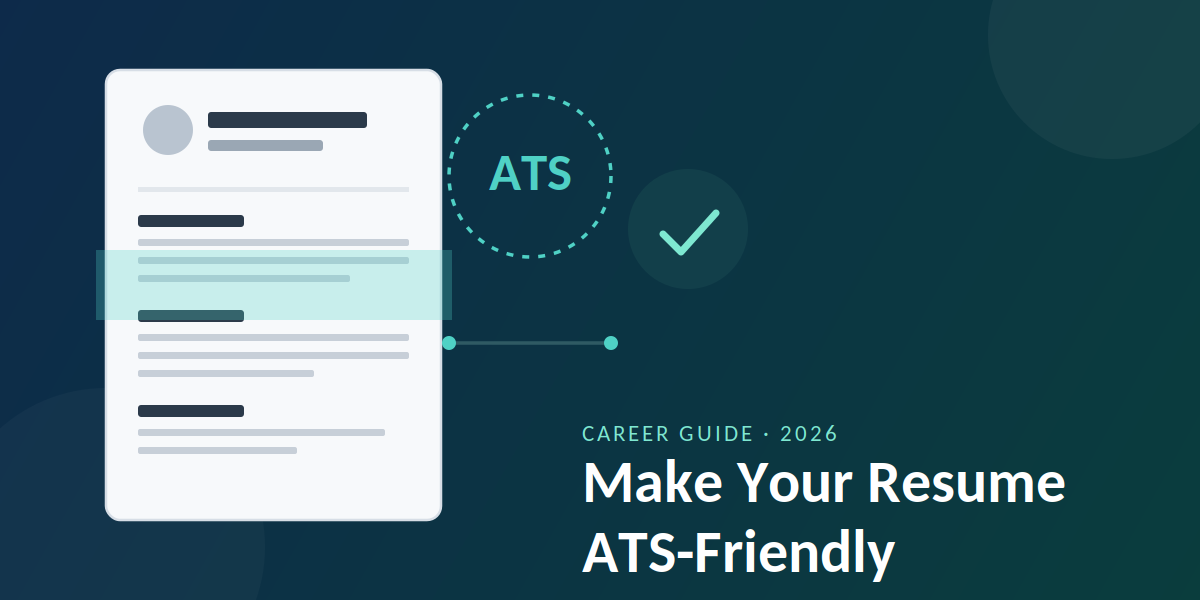
Most resumes never reach a human. They get filtered out by an Applicant Tracking System (ATS) before a recruiter even opens the file. If you’ve been applying for jobs and hearing nothing back, a broken resume format — not your experience — is often the real problem.
An ATS-friendly resume is one that the software can read cleanly, match against the job description, and pass through to a recruiter without losing your formatting or misreading your work history. Getting this right takes about 20 minutes and can be the difference between an interview call and silence.
Quick facts: ATS-friendly resumes
- Resumes rejected by ATS before human review: up to 75%, per industry recruiter estimates
- Time to fix a non-ATS resume: 20–30 minutes
- Best file formats: .docx or a simple, text-based PDF
- Formats to avoid: tables, text boxes, columns, headers/footers, graphics
- Keyword match matters: Yes — most ATS platforms rank resumes by keyword overlap with the job description
What Is an ATS, and Why Does It Reject Resumes?
An Applicant Tracking System is software companies use to collect, sort, and rank job applications. When you apply online, the ATS parses your resume into a database — pulling out your name, contact details, job titles, dates, and skills — and often scores it against the keywords in the job description.
The problem is that many ATS platforms are still fairly basic parsers. If your resume uses a two-column layout, a text box, an image, or an unusual font, the software can scramble the text order or drop sections entirely. A recruiter searching for “project management” might never see that you have it, simply because the system read your resume incorrectly.
Good to know
Not every company uses an ATS with the same parsing quality. Large enterprises tend to use more sophisticated systems (Workday, Greenhouse, iCIMS), while smaller companies may rely on simpler tools that struggle with anything beyond plain text. Formatting for the strictest case protects you either way.
How to Make Your Resume ATS-Friendly: Step-by-Step
-
1Use a single-column, linear layout Avoid multi-column designs, sidebars, and tables. ATS software reads left to right, top to bottom — a sidebar with your skills can get parsed in the wrong order or merged into the wrong section.
-
2Stick to standard section headings Use “Work Experience,” “Education,” and “Skills” rather than creative alternatives like “My Journey” or “Where I’ve Been.” ATS platforms are trained to look for conventional headings.
-
3Remove text boxes, images, and icons Contact icons, skill-rating graphics, and headshots are common ATS parsing failures. Many systems simply skip content placed inside a text box or image entirely.
-
4Mirror keywords from the job description If the posting says “stakeholder management,” use that exact phrase rather than a synonym like “client relations.” Pull 8–10 key terms directly from the job description and weave them naturally into your experience bullets.
-
5Spell out acronyms at least once Write “Search Engine Optimization (SEO)” the first time it appears. Some ATS keyword searches only match the exact term used in the job listing — you don’t know if it will search “SEO” or the full phrase.
-
6Use a standard, readable font Calibri, Arial, Georgia, or Times New Roman at 10–12pt parse reliably. Decorative or condensed fonts can render as broken characters once converted by the ATS.
-
7Save as .docx or a text-based PDF Unless the job posting specifically requests another format, .docx is the safest choice for ATS parsing. If you export to PDF, make sure it’s generated from a text document rather than a scanned image.
-
8Test it before you send it Copy and paste your resume text into a plain text editor. If the sections, bullet points, and job titles still make sense in that stripped-down view, an ATS will likely read it correctly too.
Watch out
Keyword stuffing — repeating the same term unnaturally or hiding keywords in white text — can backfire. Modern ATS platforms and recruiters both flag this, and it often gets a resume disqualified rather than boosted.
ATS-Friendly vs. Design-Heavy Resume: What Actually Gets Parsed
ATS-Friendly Format
- Single column, linear flow
- Standard section headings
- Plain bullet points
- Text-based PDF or .docx
- Keywords matched to job posting
Design-Heavy Format
- Two-column or sidebar layout
- Icons, graphics, skill bars
- Custom section titles
- Image-based or scanned PDF
- Creative fonts and colors
A design-heavy resume can work well when a human opens it directly — for example, if you’re emailing a hiring manager you already know. But for online applications routed through an ATS, plain and structured almost always outperforms visually creative.
Where to Place Keywords for Maximum Impact
| Resume Section | Why It Matters for ATS | What to Include |
|---|---|---|
| Job Title | Many systems weight the title field heavily in matching | Match the job posting’s title where accurate |
| Skills Section | Scanned first and fastest by most parsers | List 8–12 hard skills relevant to the role |
| Experience Bullets | Confirms context — keywords used in action, not just listed | Rewrite bullets to include keywords naturally |
| Summary/Profile | Often the first block parsed and shown to recruiters | Include your target job title and top 2–3 skills |
Pro tip
Keep a master resume with every skill and achievement you’ve ever listed, then trim a fresh copy for each application using the specific keywords from that job posting. A tailored resume consistently scores higher than one generic version sent everywhere.
How Recruiters Use ATS Data — And Why It Still Matters to Get Past It
Even at agencies that review applications closely, an ATS is usually the first filter before any human sees a resume. Recruiters typically search their ATS database using specific keywords, boolean strings, and filters (location, years of experience, certifications) to shortlist candidates — meaning a resume with the right terms in the right places surfaces at the top of that search, while a poorly parsed one gets buried even if the candidate is qualified.
Also read: Common Job Interview Questions and How to Answer Them
This is true whether you’re applying directly through a company’s careers page or through a staffing and recruitment partner. Either way, the resume you submit is what the system reads first — not what you meant to say.
Frequently Asked Questions
What does ATS-friendly mean on a resume?
An ATS-friendly resume is formatted so Applicant Tracking System software can accurately read your contact details, job titles, dates, and skills without misinterpreting the layout. It uses a single-column structure, standard headings, and no graphics or tables.
Should I use a PDF or Word document for ATS resumes?
A .docx file is generally the safest option since most ATS platforms parse it natively. A PDF works too, as long as it’s created from a text document rather than a scanned image, since scanned PDFs cannot be read as text at all.
Do resume templates from Canva or Word work with ATS?
Many visually appealing templates use columns, text boxes, or graphics that ATS software struggles to parse correctly. If you use a template, check that it is single-column and free of embedded text boxes before relying on it for online applications.
How many keywords should I include in my resume?
There’s no fixed number, but aim to naturally include 8–10 of the most important terms from the job description across your summary, skills section, and experience bullets — without repeating any single term excessively.
Can a recruiter tell if my resume was rejected by an ATS?
Usually not directly — most ATS platforms simply rank or filter resumes, and a low-ranked resume may never appear in the recruiter’s active view. This is why formatting for correct parsing matters as much as the content itself.
Key Takeaways
Getting past the ATS isn’t about tricking software — it’s about giving it clean, well-structured information so your actual experience gets a fair read. Stick to a simple layout, use standard headings, match the language of the job posting, and save your file in a format the system can parse correctly. Do this consistently, and you’ll show up in more recruiter searches and land more interviews.